

Download Media Player Classic APK – media player, free media app, video player, audio player, APK download, Android media tool
Overview
Media Player Classic APK is a free multimedia application designed to streamline media consumption on Android devices. Built to support a wide range of video and audio formats, the app enables users to play files such as MKV, MP4, AVI, MOV, OGG, FLAC, and more directly from local storage. It also extends functionality to network streams, shared drives, and DVD ISO files, offering flexibility for both casual users and media enthusiasts.
The app is developed by the Media Player Classic Team, aiming to deliver a lightweight yet powerful alternative to mainstream media players. It is particularly suited for individuals seeking a reliable tool for organizing and accessing their digital media library without relying on third-party platforms. Real-world use cases include watching personal video collections, listening to high-quality audio files, and accessing media stored across networked devices.
The app’s ability to scan and categorize content based on media type, artist, album, genre, or playlist structure enhances discoverability. While it does not specify developer background beyond the team name, its focus on format compatibility and intuitive browsing suggests a targeted approach to improving user experience in media playback and organization.
Key Features & Capabilities
- Wide Format Support – Plays diverse video and audio formats including MKV, MP4, AVI, MOV, OGG, FLAC, and others without requiring additional codecs.
- Network and Stream Playback – Supports direct playback of network streams, shared drives, and DVD ISO files, enabling access to remote media sources.
- Automatic Media Scanning – Scans the device or selected folders to index videos, audio, photos, and other media types, organizing them into a structured library.
- Smart Browsing & Organization – Allows users to browse media by artist, album, track, genre, or playlist, improving content discovery and accessibility.
- Playlist Aggregation – Consolidates all user-created playlists into a single, easily accessible category for quick playback.
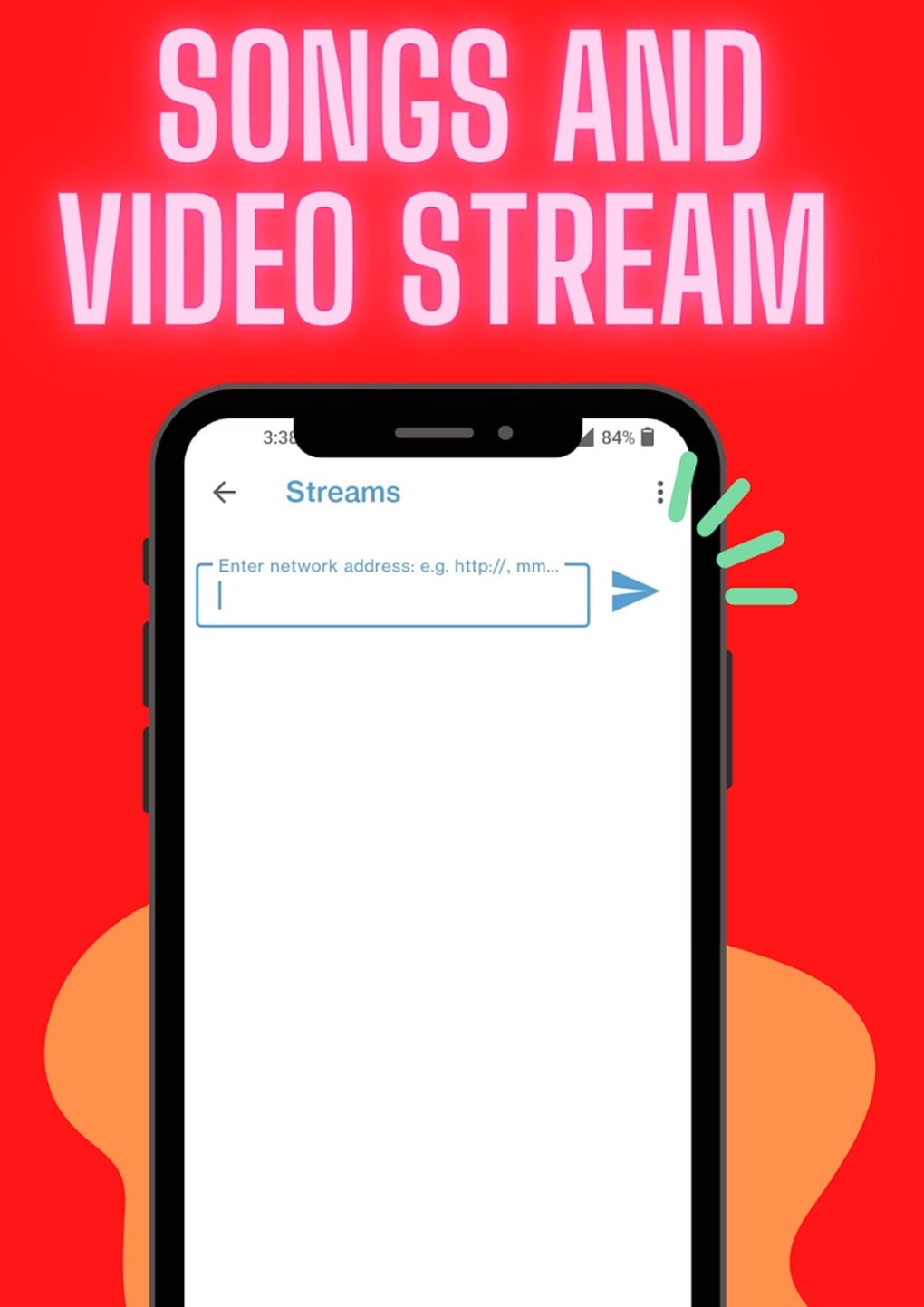
- Manual Stream Configuration – Users can input full network addresses for streams and assign custom names for better identification.
These features collectively support efficient media management and playback. For instance, a user can organize a music collection by genre and instantly access a curated playlist. Similarly, a video enthusiast can play a high-resolution MKV file from a shared drive without conversion. The manual stream setup ensures precise control over external content sources, though it requires users to enter URLs directly. This approach maintains compatibility across diverse network environments while avoiding automatic discovery that may lead to security risks.
User Interface, Workflow & Performance
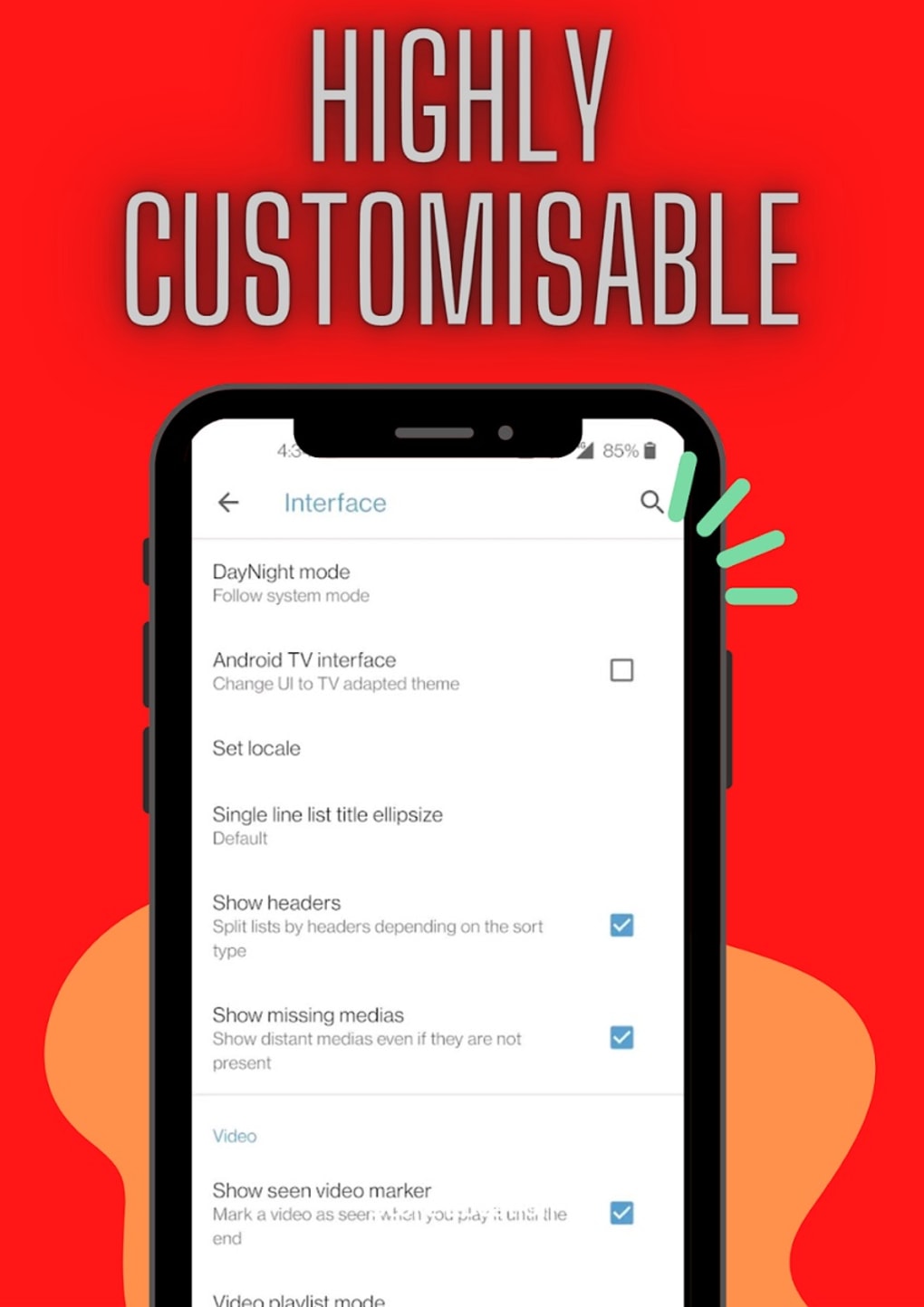
The user interface of Media Player Classic APK is designed with simplicity and efficiency in mind. Navigation is structured around media categories, with intuitive access to libraries, playlists, and streams. The layout supports gesture controls, enhancing usability during playback.
Workflow efficiency is supported through direct access to scanned media, eliminating the need to manually locate files. The app maintains a clean visual hierarchy, allowing users to quickly switch between browsing modes. Performance details were not specified by the developer, but the app’s lightweight size of 15.3 MB suggests optimized resource usage.
The developer did not provide additional system requirements or performance benchmarks. General software behavior patterns indicate stable operation under typical conditions, though actual performance may vary based on device hardware and media complexity. No information was provided about CPU or RAM consumption.
Stability appears to be prioritized, as the app focuses on core playback and organization tasks without additional bloat. Users can expect a responsive interface during standard playback operations.
Compatibility & System Requirements
Media Player Classic APK is designed for Android operating systems. The app is available in version 1.0.0 and has a file size of 15.3 MB. It is compatible with Android devices that support the specified version.
The developer did not specify exact system requirements, including minimum Android version, RAM, or processor specifications. Compatibility information was partially provided, focusing on the OS and version. Installation is straightforward, with the APK file being self-contained and requiring no additional setup steps.
Users should ensure their device meets general Android compatibility standards for app installation. The app’s lightweight nature suggests broad compatibility across mid-tier and newer Android devices. However, without official specifications, users are advised to verify functionality on their specific hardware.
Pros and Cons
Pros
- Supports a broad range of video and audio formats without external codecs
- Efficient media scanning and organization by category and metadata
- Intuitive interface with gesture support for smooth navigation
- Free to download and use with no in-app purchases
- Aggregates all playlists into one accessible location
- Capable of playing network streams and DVD ISO files
Cons
- Manual input required for network stream URLs, which may be less user-friendly for beginners
- No official system requirements or performance data provided
- Limited developer information beyond the team name
- App size, while small, may still be considered large for very low-end devices
- No built-in support for cloud-based media streaming platforms
FAQ Section
Is Media Player Classic APK safe to download and install?
The app is distributed as a free APK and is developed by the Media Player Classic Team. As with any third-party app, users should ensure they download from trusted sources to avoid potential security risks. The app does not require excessive permissions, but users should review access requests during installation.
Can I use Media Player Classic APK offline?
Yes, the app supports full offline playback of local media files, playlists, and stored streams. No internet connection is required once media is saved or configured.
Does the app support streaming from online platforms?
Media Player Classic APK does not include built-in integration with popular streaming services like Netflix or YouTube. However, it allows users to manually add network streams via URL, enabling access to custom or private streams.
How often are updates released?
Updates are managed by the Media Player Classic Team. The current version is 1.0.0, released on March 15, 2024. No information was provided on update frequency or release schedule.
Is the license type free for personal use?
Yes, the app is offered free of charge with no restrictions on personal use. There are no in-app ads or paywalls reported, and the developer has not specified a commercial license.
Final Thoughts + CTA
Media Player Classic APK stands out as a capable and lightweight tool for Android users seeking a reliable media player with strong format support and intelligent organization features. Its ability to play diverse file types, scan and categorize media, and manage playlists efficiently makes it a solid choice for both casual viewers and media collectors. While the manual setup for network streams may require some technical familiarity, the app’s overall design prioritizes control and flexibility.
The absence of system requirements and performance data limits detailed evaluation, but the app’s small size and free status enhance accessibility. For users who value a clean, no-frills media experience without relying on cloud-based services, this app delivers a compelling solution. Download Media Player Classic APK now to transform your media consumption on Android.





.png)

